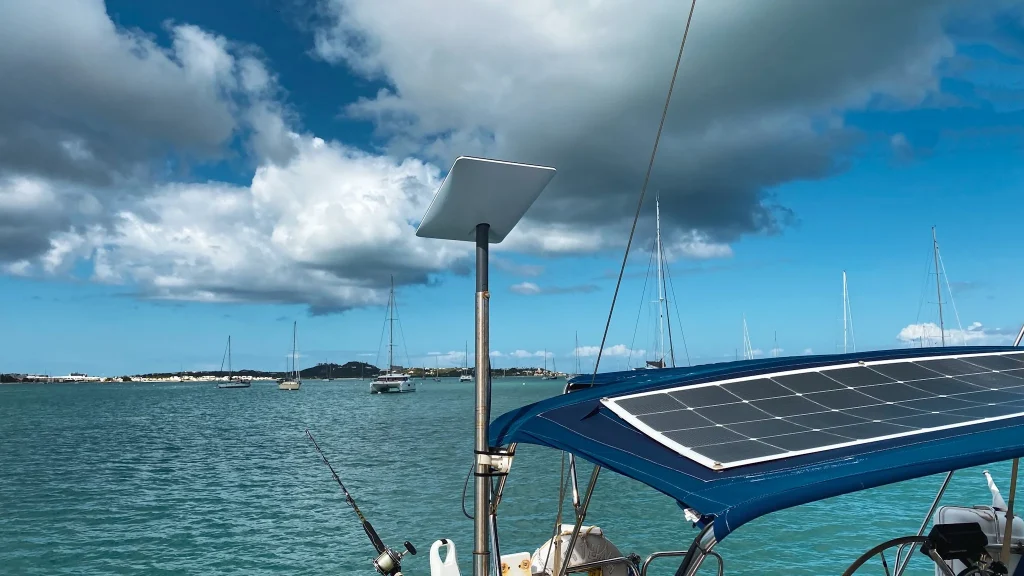
SUMMARY OF THE ISSUE
When connected to Starlink WiFi, iPhones and iPads showed a consistent position error of 600+ feet – enough to place the vessel on the wrong side of a reef. Standalone GPS units were accurate.
The cause is WiFi-based geolocation. Mobile devices sometimes prioritize a router’s stored database location over live GPS. Because Starlink moves with the boat, that database position can be wrong.
WIFI OFF / CORRECT POSITION
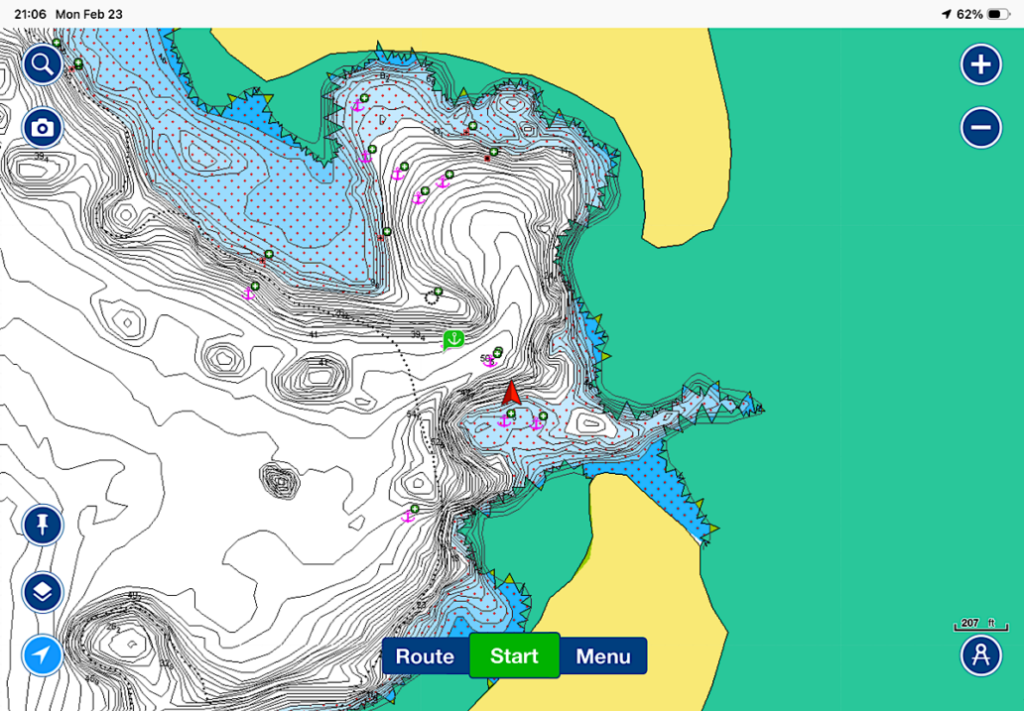
WIFI on / inCORRECT POSITION
Navigating Starlink’s Geolocation Glitches: Ensuring Accurate Positioning Aboard
Navigating Starlink’s Geolocation Glitches: Ensuring Accurate Positioning Aboard
As cruisers increasingly turn to Starlink for reliable satellite internet, a peculiar issue has surfaced: mysterious location errors on connected mobile devices. After a night of anchor watch duty — made more demanding by catamarans and monohulls swinging differently in the anchorage — we readied for the next night by double-checking our anchor drag alarms and positioning apps. What we discovered was unsettling.
Our Navionics Boating app on our iPads, and every other iOS app using location services on all of our iOS devices, showed a consistent and considerable error — over 600 feet (more than one tenth of a mile) — placing us on the wrong side of a nearby reef, in a spot Avant had never been. It was as though our devices had decided we’d secretly teleported to a parallel universe. The error simply didn’t go away. Our standalone GPS-enabled devices, however, showed accurate positioning. This wasn’t a sci-fi plot twist; it was a real-world quirk of how modern devices determine location when connected to Starlink — or any other — WiFi network.
I spent time with Apple’s and Starlink’s technical support teams and did additional research to understand the root cause. In this article, I’ll explain why these “Starlink-induced” position errors occur and outline some straightforward setting adjustments for your Starlink hardware, iOS, and Android devices to keep your location accurate.
Understanding the Issue: Why Your Device Thinks You’re Somewhere Else
At its core, the problem stems from how smartphones and tablets use WiFi networks for positioning. Modern devices don’t rely solely on GPS satellites; they employ a hybrid system that includes crowd-sourced databases of WiFi access points. Companies like Apple and Google maintain vast databases of router MAC addresses — unique hardware identifiers — linked to reported locations. When your device connects to a WiFi network, it queries this database for a quick location fix, sometimes prioritizing it over GPS for speed and battery efficiency on the initial fix.
We’ve seen something similar aboard Avant for years with cell towers: we’ve learned to allow our devices a couple of minutes to settle on a good GPS fix before navigating — a bit like waiting for the morning coffee to kick in. In this case, however, the error was persistent and didn’t resolve over fifteen minutes. Had we relied on it in the dark near a reef, the consequences could have been serious.
Starlink throws a particular wrench into this system. Unlike fixed home or business routers, Starlink terminals are designed for on-the-go use — ideal for cruisers. They register in the geolocation databases with a location, but when the wind shifts and the boat swings to a new position, or moves to a new anchorage entirely, the stored position is instantly wrong. The MAC address remains in the database, now associated with a location hundreds or thousands of feet from where the terminal actually is. In effect, your devices are navigating with a wayward reference point — as if there were an out-of-position aid to navigation in their chart.
The immediate fix is to disconnect from WiFi — forcing the device back to accurate GPS. But you may not always want to do that, since WiFi may be delivering other important navigation data such as depth, wind, radar or AIS overlays.
This issue isn’t unique to Starlink; any mobile hotspot can trigger it. But Starlink’s mobility and growing prevalence in the cruising fleet amplifies the problem, as their constantly changing positions populate these geolocation databases with instantly stale data. The impact ranges from annoying inaccuracies to genuine safety concerns. Fortunately, a few targeted settings changes can help significantly.
iOS Devices: Reducing WiFi’s Influence on Location
Apple devices — iPads and iPhones — are particularly prone to this issue due to their reliance on WiFi scanning for location. Here’s how to limit it:
Go to Settings > Privacy & Security > Location Services > System Services (scroll to the bottom of the list).
Toggle off “Networking & Wireless” (previously labeled “Wi-Fi Networking”). This stops iOS from using WiFi networks for location data, directing the device to rely on its built-in GPS and cellular signals instead.
Confirm that “Precise Location” is enabled for key navigation apps. You do this on an app-by-app basis under Settings > Privacy & Security > Location Services > [App Name].
Keep your iOS up to date for the latest bug fixes and location improvements.